Best Mobile Office Gear: Ultimate Digital Nomad Backpack Setup

Working remotely sounds exciting until reality kicks in. One day you’re answering emails from a stylish café in Cape Town, the next you’re hunting for a power outlet in an airport lounge or trying to balance a laptop on a tiny coffee-shop table.
The secret isn’t carrying more gear. It’s carrying the right gear.
A well-designed mobile office should be lightweight, organised, comfortable, and powerful enough to handle everything from video calls and content creation to spreadsheets and client meetings. With the right setup, your entire workspace can fit neatly into a single backpack while keeping you productive wherever your travels take you.
Here’s how to build your ultimate Backpack HQ.
🎒 1. Start With the Right Backpack
Your backpack is more than a bag. It’s your mobile office headquarters.
The ideal travel backpack should protect your laptop, organise your accessories, distribute weight comfortably, and make airport travel effortless.
Recommended Pick
NOMATIC 20L Travel Pack – Travel Backpack For Men and Women – Navy
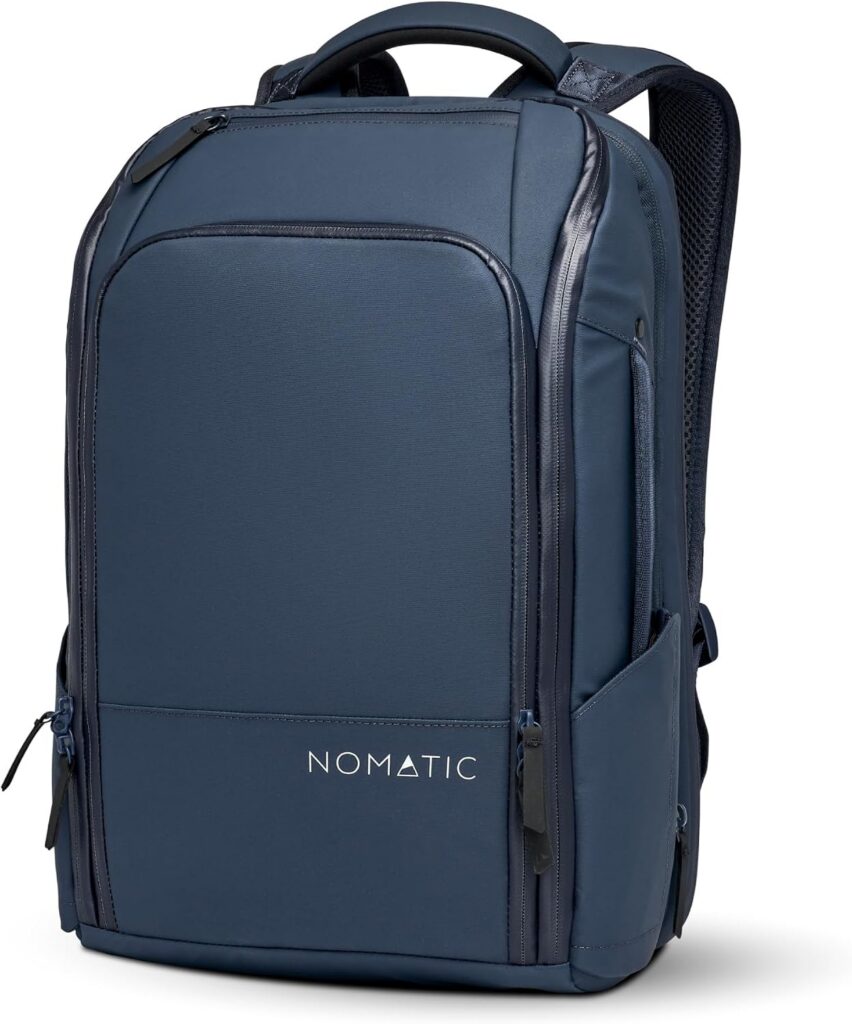
The Nonstick 20L Travel Pack is designed specifically for people who travel with technology. Its smart internal organisation, dedicated laptop compartment, and clamshell opening design make it easy to access everything without digging through your bag.
Why we like it
- Excellent organisation
- Comfortable for all-day carrying
- Dedicated laptop protection
- Ideal for travel and remote work
Alternative Option
tomtoc Travel Backpack 40L, TSA Carry On Bag Flight Approved
For professionals who want a sleeker business-oriented look, the tomtoc Travel bakcPack combines excellent organisation with a stylish, corporate-friendly appearance.
💧 2. Stay Hydrated Without Risking Your Tech
Hydration is one of the easiest ways to maintain focus and energy throughout the day.
However, placing a cheap plastic water bottle next to an expensive laptop isn’t always the smartest idea. A quality insulated bottle helps prevent leaks, eliminates condensation, and keeps drinks cold for hours.
Recommended Pick
Owala FreeSip Stainless Steel Water Bottle 24 oz Denim
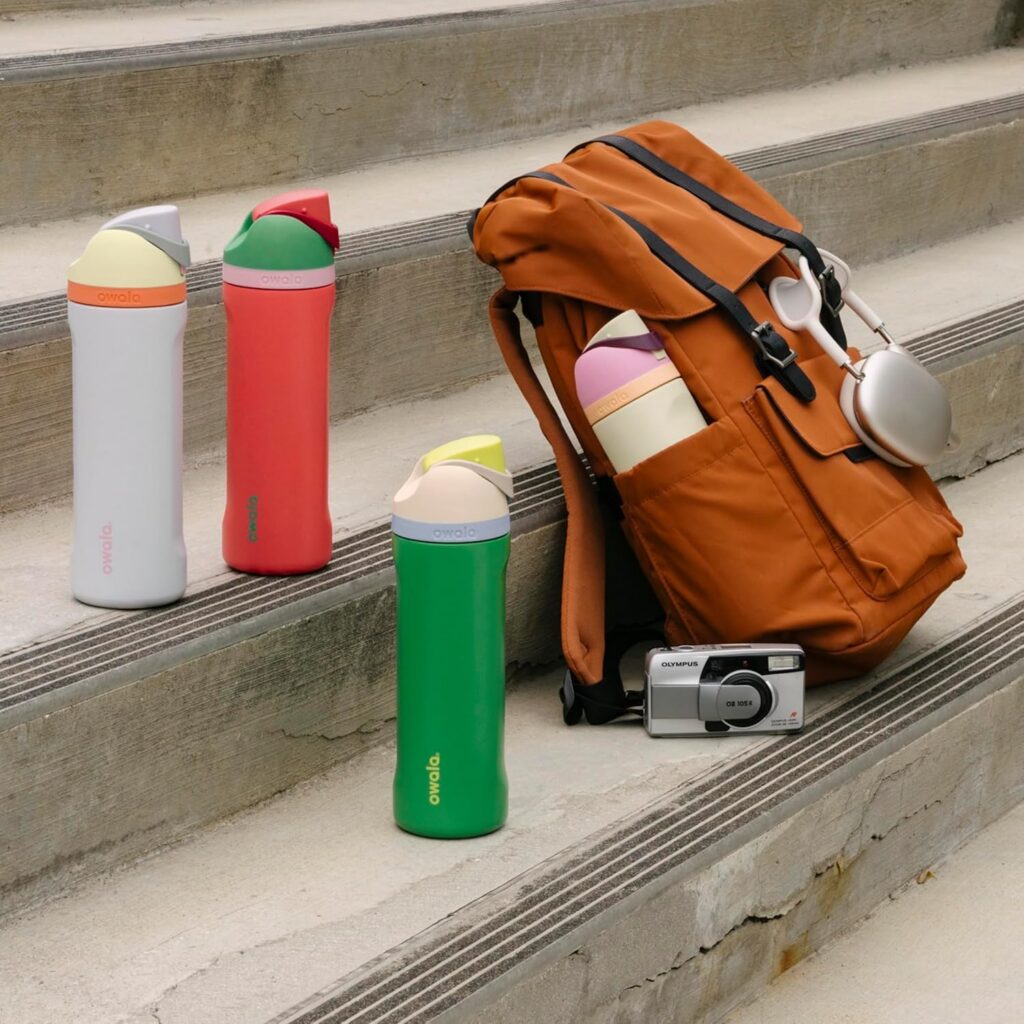
This clever bottle allows you to sip through a built-in straw or drink normally through the opening, making it ideal for busy working environments.
why we like it
- Leak-resistant design
- Great insulation
- Easy one-handed use
- Travel-friendly size
Alternative Option
Hydro Flask Wide Mouth Bottle
A favourite among travellers, hikers, and remote workers looking for durability and simplicity.
💻 3. Your Laptop Is the Heart of the Operation
While accessories help, your laptop remains the centre of your mobile office.
The best travel laptops combine excellent performance, long battery life, and low weight, making them easy to carry throughout the day.
Recommended Pick
Apple MacBook Air 13-inch (M3)
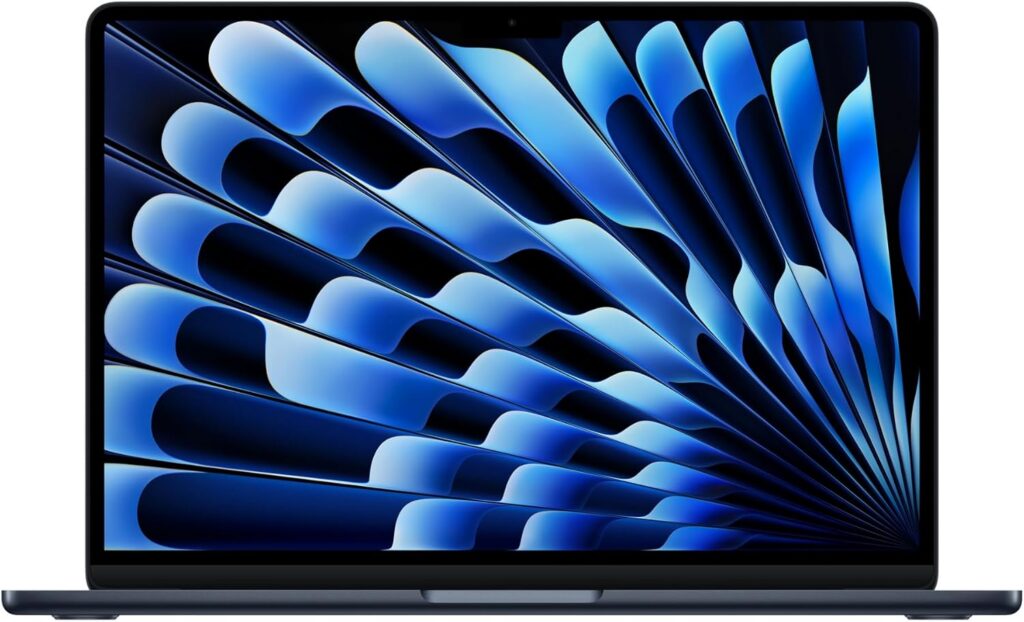
The MacBook Air has become one of the most popular laptops among digital nomads, freelancers, entrepreneurs, and remote professionals.
why we like it
- Lightweight design
- Outstanding battery life
- Silent operation
- Fast performance
Alternative pick
Dell XPS 13
For professionals who want a sleeker business-oriented look, the Nomatic Travel Pack combines excellent organisation with a stylish, corporate-friendly appearance.
⚡ 4. Never Run Out of Power
Nothing kills productivity faster than a low battery warning.Whether you’re working from a café, airport lounge, hotel lobby, or co-working space, reliable power should always be part of your setup.
Recommended Pick
Mac Book Pro Charger – 118W USB C Charger Fast Charger
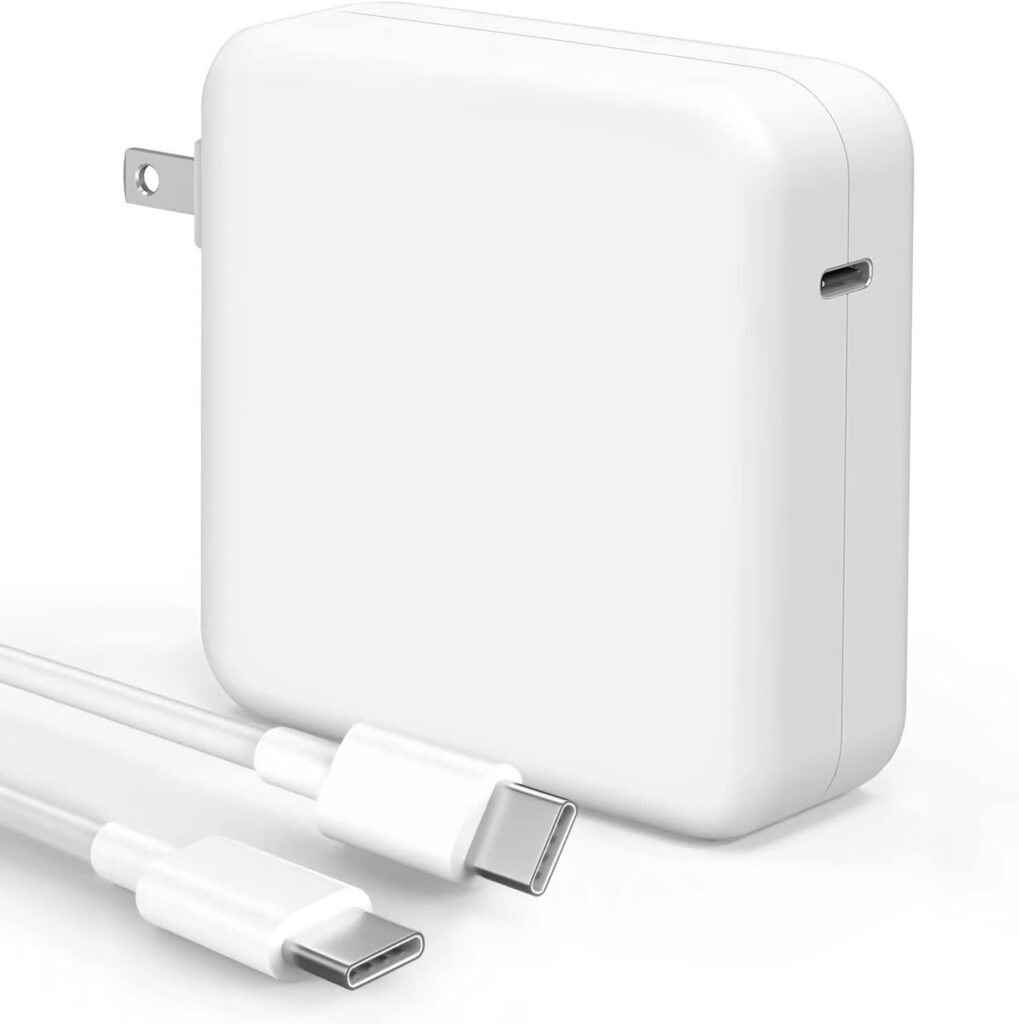
Instead of carrying multiple chargers, a single GaN charger can power your laptop, phone, and accessories from one compact device.
why we like it
- Compact size
- Fast charging
- Multiple ports
- Ideal for travel
Off The Grid Alternative
Anker 737 Power Bank
Perfect for travellers who regularly find themselves working far from wall outlets.
🎧 5. Create a Focus Zone Anywhere
Coffee grinders, conversations, traffic, and background music can quickly destroy concentration.Noise-cancelling headphones help create your own workspace, no matter where you’re working.
Recommended Pick
Sony WH-1000XM5
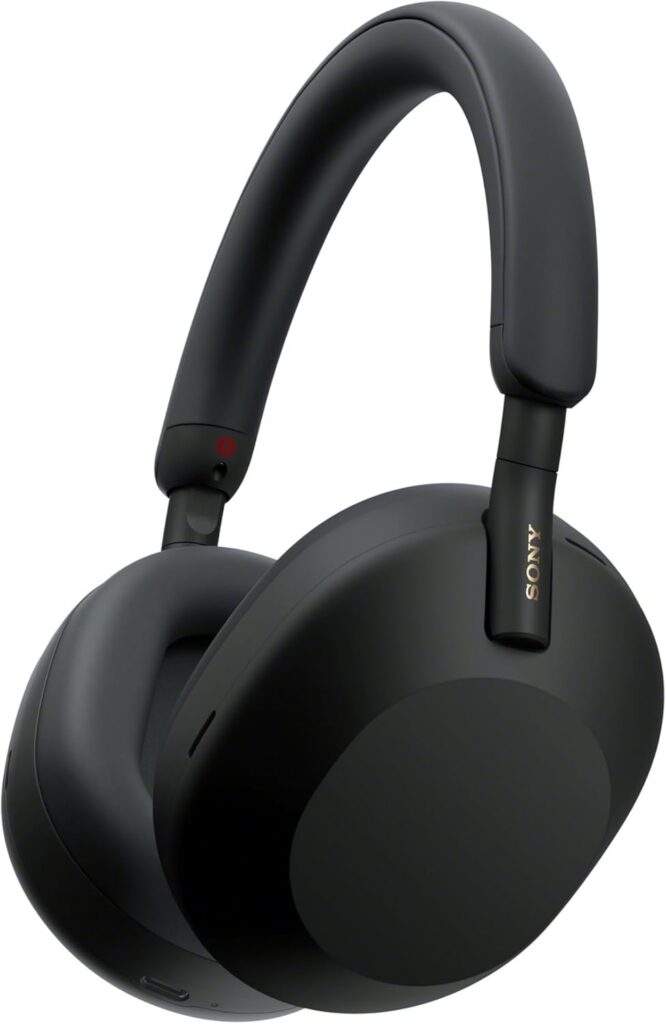
Often considered among the best noise-cancelling headphones available, these headphones are ideal for frequent travellers and remote workers.
Why we like it
- Excellent noise cancellation
- Strong battery life
- Clear microphone quality
- Comfortable for extended use
Alternative Option
Wireless Ear Buds Air Buds Pro (2nd Generation)
If you prefer travelling light, AirPods Pro 2 deliver impressive noise cancellation in an ultra-portable package.
🧘 6. Protect Your Neck, Back and Wrists
A productive setup should support your health, not work against it.
Many remote workers experience neck and shoulder pain because they spend hours looking down at laptop screens. Small ergonomic upgrades can make a massive difference.
Recommended Pick
Roost Laptop Stand
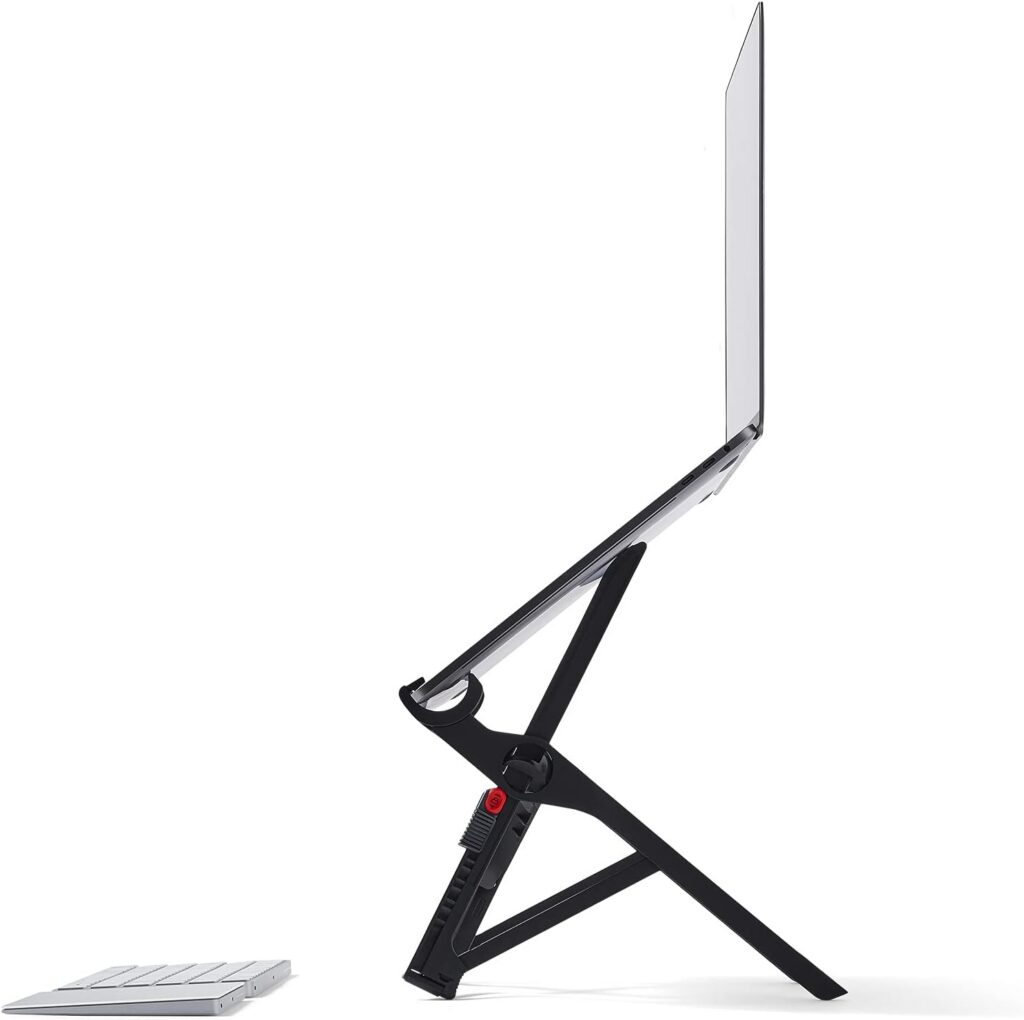
This lightweight stand raises your screen closer to eye level while folding down small enough to fit almost anywhere in your bag.
Why we like it
- Extremely lightweight
- Compact design
- Easy setup
- Improves posture
Remote work is no longer tied to a fixed desk or office.
Whether you’re working from a beachfront café in Cape Town, a co-working hub in Johannesburg, an airport lounge in Dubai, or a hotel terrace in Lisbon, the right setup allows you to stay productive without carrying your entire office on your back.
Invest in quality essentials, keep your setup simple, and focus on building a mobile workspace that helps you work comfortably from anywhere.
*Disclosure: This article contains affiliate links. If you purchase through these links, we may earn a small commission at no additional cost to you. We only recommend products that we believe provide genuine value for travellers, remote workers, and digital professionals.*